> For the complete documentation index, see [llms.txt](https://guide.tonaly.app/llms.txt). Markdown versions of documentation pages are available by appending `.md` to page URLs; this page is available as [Markdown](https://guide.tonaly.app/instrument/display-staff-on-instrument.md).
# Display staff next to the instrument
You can display the staff next to the instrument. It'll display the accidentals of the current key.
To activate this, make sure the instrument is visible.
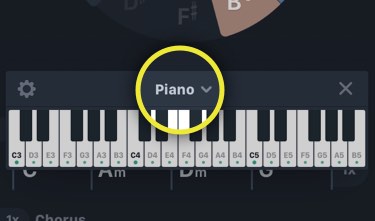
👉 Tap on the instrument title:
👉 Tap this icon:
{% hint style="warning" %}
**Not available in "Scales" mode** In the "Scales" mode of the app, the staff will display **no accidentals**. That is because the "Scales" mode is scale-based, and not every scale can build up a *mode*. Each scale has its accidentals related to every single note.
{% endhint %}