> For the complete documentation index, see [llms.txt](https://guide.tonaly.app/llms.txt). Markdown versions of documentation pages are available by appending `.md` to page URLs; this page is available as [Markdown](https://guide.tonaly.app/scales-and-modes/untitled.md).
# Change scale
{% tabs %}
{% tab title="In "Scales" mode" %}
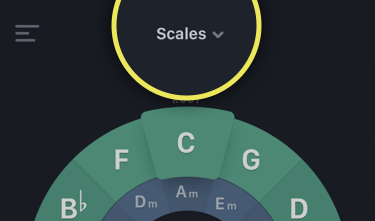
Navigate to the "Scales" mode of the app:
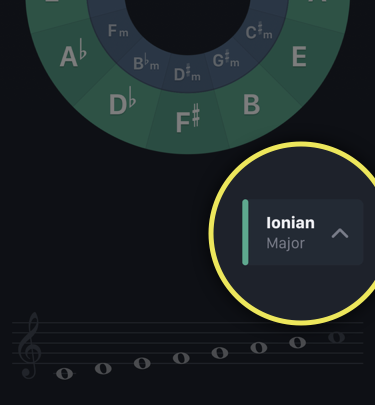
Tap on the scale name and select a scale from the expandable scales list:
{% endtab %}
{% tab title="In "Modes" mode" %}
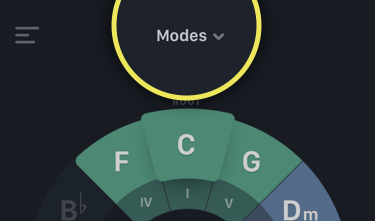
Navigate to the "Modes" mode of the app:
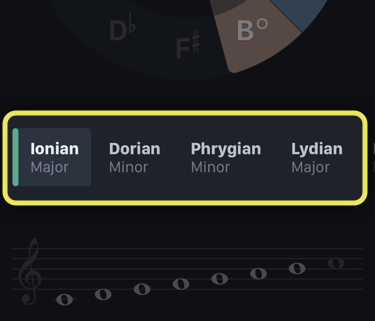
Tap on the mode name and select a scale from the expandable scales list:
{% endtab %}
{% endtabs %}
{% hint style="info" %}
**Fun fact:** You can also **shake your device** to get a random scale!
{% endhint %}